How Small Restaurants Can Take Online Orders Without Paying Commission Fees
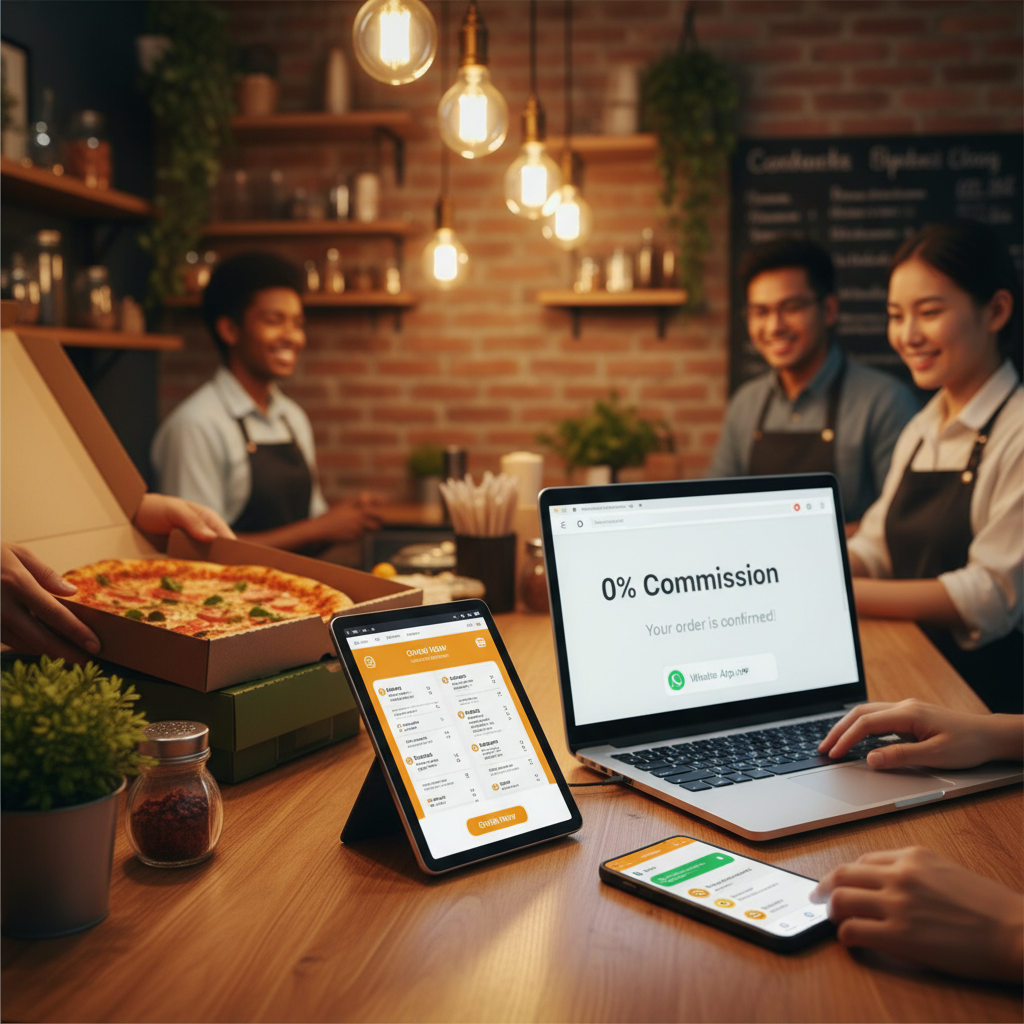
If you run a small restaurant, you know the pain: food delivery platforms like Uber Eats, DoorDash, and Grubhub promise more customers — but they take 15% to 30% of every order. On a Rs. 1,000 order, you could be losing Rs. 150–300 in fees. Over a month, that adds up to lakhs in lost revenue.
But what if you could take online orders without paying a single rupee in commission? That's exactly what thousands of small restaurant owners are doing with WhatsApp ordering. This guide covers what it actually costs (it isn't zero, and it's worth being honest about that), how to handle payment and delivery once the middleman is gone, and a realistic 30-day plan to move your regulars across without losing the customers the apps still send you.
The Commission Trap: What Delivery Apps Really Cost You
Let's break down the real cost of using third-party delivery platforms:
💸 Typical Platform Fees
- • Commission per order: 15–30%
- • Payment processing: 2–3%
- • Marketing/promotion fees: 5–15% extra for visibility
- • Monthly subscription: Rs. 2,000–10,000 on some platforms
Total cost: Up to 40% of your order value goes to the platform — not to you.
For a small restaurant making Rs. 200,000/month in delivery orders, that's Rs. 60,000–80,000 lost to commission fees alone. That's money that could go toward better ingredients, staff salaries, or your own savings.
There is a second cost that never shows up on the platform's invoice. The customer who orders your biryani through an app is the app's customer: you don't get their number, you can't message them about Friday's special, and if a competitor pays for a sponsored slot they see that competitor first. Every order you take on an app teaches the customer to open the app, not to think of you.
The WhatsApp Alternative: Zero Commission, Maximum Profit
Here's the thing: your customers already use WhatsApp. In Pakistan, India, the Middle East, and across Asia, WhatsApp is the default way people talk to businesses. Your customers don't want to download yet another app — they want to order through a channel they already trust.
With WhatsApp ordering, the flow is simple:
📱 How WhatsApp Ordering Works
- 1. Customer opens your digital menu link (shared via social media, flyer, or QR code)
- 2. They browse your menu, add items to cart
- 3. They tap "Order via WhatsApp" — the order is sent directly to your WhatsApp
- 4. You confirm, prepare, and deliver. Zero commission paid.
What "Commission-Free" Actually Costs
"Zero commission" is true, but it is not the same as "free". Before you switch, know what you are taking on:
- Your time, or a staff member's. Someone has to watch the phone, confirm orders, and reply within a couple of minutes. During a busy dinner service that is a real job. The WhatsApp Business app lets up to four linked devices share one number, so a cashier and the kitchen can both see incoming orders.
- Delivery. The apps bundle a rider. Without them you either use your own rider (a fixed monthly salary, worthwhile from roughly 10–15 deliveries a day), pay a per-drop courier, or limit direct ordering to pickup and a small radius you can cover yourself. Many restaurants start pickup-only and add delivery once volume justifies a rider.
- Payment handling. Cash on delivery is simplest but ties up riders with change. Bank transfer and mobile wallets (JazzCash, Easypaisa, and their equivalents elsewhere) settle before the food leaves the kitchen — ask for a screenshot of the transfer in the chat.
- A menu tool. Most digital menu tools have a free tier that covers a single location. Budget zero to a few thousand rupees a month if you want extras like online payment collection.
Even after all of that, the arithmetic is one-sided. A rider on Rs. 30,000 a month who does 12 deliveries a day costs you about Rs. 85 per delivery. A delivery app taking 25% of a Rs. 1,000 order costs Rs. 250 — for the same delivery.
How to Set It Up (Free)
A digital menu tool makes this straightforward. Here's how:
Set up WhatsApp Business on a dedicated number
Not your personal number. Fill in the business profile: address, hours, a link to your menu. Turn on a greeting message and an away message for when you are closed.
Create your menu
Pick a menu tool with a free tier. Upload photos, set prices, organise by category (Karahi, BBQ, Rice, Drinks), and mark anything that regularly sells out so you can toggle it off.
Share your link everywhere
Instagram bio, Facebook page "Order now" button, Google Business Profile, a QR code on every table and takeaway bag, and — most importantly — a card inside every delivery-app order.
Receive orders on WhatsApp
Customers browse, add to cart, and checkout — the order lands in your WhatsApp as a structured message. Confirm it, take payment, cook.
Handling an Order in Chat: A Workflow That Doesn't Fall Apart at 8 pm
The reason most WhatsApp ordering attempts fail is not the tool; it's the lack of a routine. Use saved quick replies for the four messages you send on every order:
- Confirm: "Got it — 2× Chicken Karahi (full), 4 naan, 2 Pepsi. Total Rs. 2,450 + Rs. 100 delivery. Delivery to Block C in about 40 minutes. Reply YES to confirm."
- Payment: "Pay by cash on delivery, or transfer to JazzCash 03xx-xxxxxxx and send a screenshot."
- Dispatched: "Your order has left. Rider: Bilal, 03xx-xxxxxxx."
- After: a short thank-you, sent the next day, with nothing to sell. That message is why they order again.
Write the customer's name and area on the kitchen ticket, and use WhatsApp labels ("New", "Cooking", "Out for delivery", "Done") so nothing gets lost when three orders arrive at once.
Commission-Free vs Platform Fees: The Math
| Monthly Orders | With Delivery Apps (25%) | With direct ordering (0%) | You Save |
|---|---|---|---|
| Rs. 100,000 | -Rs. 25,000 in fees | Rs. 0 in fees | Rs. 25,000/month |
| Rs. 300,000 | -Rs. 75,000 in fees | Rs. 0 in fees | Rs. 75,000/month |
| Rs. 500,000 | -Rs. 125,000 in fees | Rs. 0 in fees | Rs. 125,000/month |
Subtract a rider's salary from the "You Save" column and it is still the biggest margin improvement most small restaurants can make without touching the menu. Want to check your own numbers? The commission calculator does the comparison for your order volume and average ticket.
A 30-Day Plan to Move Regulars Across
Don't cancel the apps on day one. Use them for what they are good at — finding new customers — and move the repeat business to WhatsApp.
- Week 1: Set up the number, the menu, and quick replies. Print 200 small cards: "Order direct on WhatsApp and get 10% off your next order — [number] / [menu link]". Put one in every bag, app orders included.
- Week 2: Add the link to Instagram, Facebook, and Google. Post your menu on WhatsApp Status daily. Ask dine-in customers to scan the table QR code before they leave.
- Week 3: Compare the two channels honestly: how many direct orders, average ticket, how many repeat. Fix whatever slowed you down (usually payment confirmation).
- Week 4: Decide on delivery. If direct orders justify it, hire a rider or agree a per-drop rate with a courier. Keep the app listing live but stop paying for promoted placement.
A realistic target is 30–50% of orders coming direct within three months. Restaurants with a loyal neighbourhood following get there faster.
Why WhatsApp Ordering Works Better for Small Businesses
✅ Direct Customer Relationship
You chat directly with customers. Build loyalty, handle special requests, and get repeat orders — no middleman.
✅ No App Download Required
Customers don't need to install anything. WhatsApp is already on their phone.
✅ Full Menu Control
Update prices, add specials, toggle items as "sold out" — all from your phone in real time.
✅ Works for Any Business
Restaurants, bakeries, grocery stores, flower shops — any business that takes orders.
Mistakes That Sink the Switch
- Charging more on direct orders. Some owners quietly inflate app prices to cover commission, then keep the inflated price on WhatsApp. Make direct ordering visibly cheaper or the customer has no reason to change habit.
- Slow replies. An order that sits unconfirmed for ten minutes is an order placed on an app instead. Assign the phone to a person per shift.
- No away message. Orders arriving after closing with no reply feel ignored. An away message with tomorrow's opening time keeps the customer.
- Taking orders in free text. "The chicken thing from last week with extra sauce" is not an order. Send the menu link so the order arrives structured.
Frequently Asked Questions
Do I need the WhatsApp Business API for this?
No. The free WhatsApp Business app plus a menu link is enough for most single-location restaurants. The API only makes sense at high volume or with several staff sharing one inbox — see our WhatsApp Business vs API guide.
Should I leave the delivery apps completely?
Usually not at first. Keep the listing for discovery, stop paying for promotions, and put a direct-order card in every app order. Once most of your volume is direct, the listing becomes optional.
How do I handle no-shows on cash-on-delivery orders?
Confirm every order with a YES reply before cooking, ask first-time customers in far areas to pay by transfer, and keep a note on the contact of anyone who refuses delivery. Two rules like that remove most of the problem.
OrderViaChat publishes free guides and tools for restaurants and small businesses that take orders directly. Learn how to set up WhatsApp ordering, browse all guides, or try our free tools.