5 Ways to Increase Online Orders Without a Website (2026)
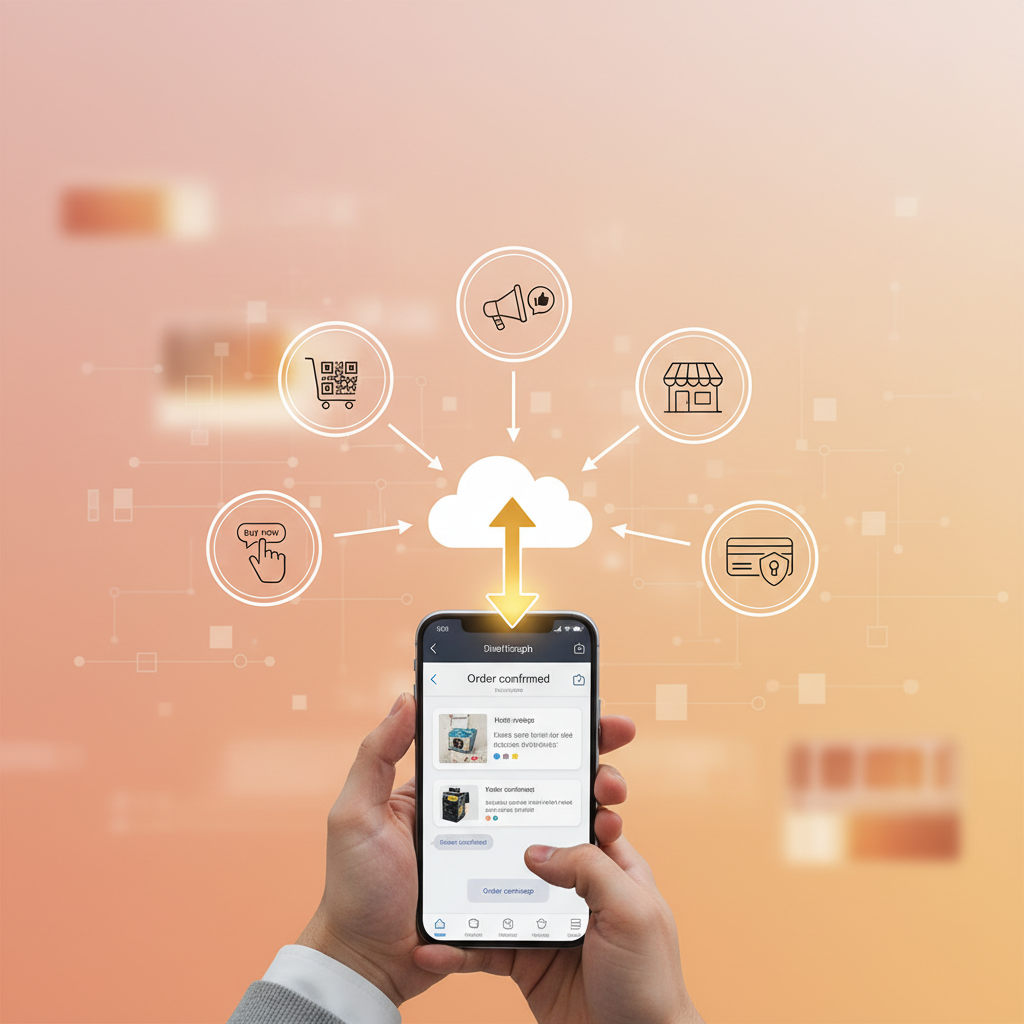
Think you need a fancy website before you can take online orders? Think again. In 2026, millions of small businesses across Pakistan, India, the Middle East, and Latin America are taking orders every day — without spending a single rupee on web development. The secret? They use tools their customers already have: WhatsApp, social media, and QR codes.
Whether you run a restaurant, bakery, grocery shop, or any business that takes orders, this guide shows you 5 proven strategies to start selling online today — no website, no coding, no monthly fees.
Why You Don't Need a Website to Sell Online
Websites cost money. Hosting, domains, designers, maintenance — it adds up fast. But here's the truth most business owners don't realize:
💡 The Reality Check
- • 93% of your customers already use WhatsApp daily
- • 75% of buyers prefer ordering through apps they already have
- • A digital menu link works just like a website — but it's free
- • QR codes can replace a website for in-store and local customers
The goal isn't to build a website. The goal is to make it easy for customers to find you, see your products, and place an order. Let's look at 5 ways to do exactly that.
1. Create a Free WhatsApp Digital Menu
This is the fastest, most effective way to start taking online orders without a website. A digital menu tool lets you build a professional menu page in minutes, and several have genuinely free tiers.
Here's how it works:
Create your menu
Pick a digital menu tool with a free tier — no credit card, no subscription.
Add your products with photos and prices
Upload images, set prices, and organize items by category (e.g., Pizza, Drinks, Desserts).
Share your menu link everywhere
You get a shareable menu link — put it on WhatsApp, Instagram, or print it on a flyer.
Receive orders on WhatsApp
Customers browse your menu, add items to cart, and tap "Order via WhatsApp." The order arrives directly in your WhatsApp. Done!
✅ Why this works: Your customers don't need to download any app. They order through a link and communicate via WhatsApp — the app they already use every day.
2. Turn Social Media Into Your Storefront
You're probably already posting food photos on Instagram or Facebook. Now turn those followers into paying customers.
- • Add your menu link in your bio
- • Post daily specials on Stories with "Order Now" sticker
- • Use Reels to show behind-the-scenes cooking
- • Reply to DMs with your ordering link
- • Pin your menu link as a post
- • Post in local community groups
- • Create events for special menus or promos
- • Use Facebook Marketplace for daily deals
Pro tip: Don't just post photos. End every post with a clear call-to-action: "Order now → [your menu link]". The easier you make it, the more orders you get.
3. Use QR Codes on Everything Physical
QR codes are free to create and incredibly powerful for offline-to-online conversion. When a customer scans your QR code, they land directly on your digital menu — no website needed.
Put your QR code on:
Receipts
Takeaway bags
Counter standees
Table tents
Flyers & pamphlets
Delivery vehicles
Every QR code scan is a potential order. And unlike a printed menu, your digital menu is always up to date — you can change prices, add new items, or mark items as "sold out" in real time.
4. Optimize Your Google Business Profile
When someone searches "restaurants near me" or "bakery in [your city]," Google shows Business Profiles first — above even websites. If yours is well-optimized, you can attract customers without paying for ads or building a site.
Here's your checklist:
Add high-quality photos
Upload 10+ photos of your food, your shop, and your packaging. Businesses with photos get 42% more direction requests.
Keep hours and contact info accurate
Nothing kills trust faster than wrong hours. Update holiday hours too.
Add your menu link as your "website"
Google lets you add a URL. Use your menu link instead of a website URL.
Respond to every review
Thank positive reviewers, address complaints politely. This builds trust and helps your ranking.
Post weekly updates
Share daily specials, new menu items, or promotions. Google Posts show up directly in search results.
5. Build a WhatsApp Broadcast List for Repeat Orders
Getting a first order is great. Getting a 10th order from the same customer is even better — and it costs almost nothing. WhatsApp Broadcast lists let you message all your past customers at once, without creating a group.
📢 WhatsApp Broadcast Ideas
- • Weekly specials: "🍕 This weekend only: Buy 2 pizzas, get 1 free. Order → [link]"
- • New items: "🆕 We just added Chicken Shawarma to our menu! Try it → [link]"
- • Holiday menus: "🎉 Eid special menu is live! Pre-order now → [link]"
- • Loyalty rewards: "💚 You've ordered 5 times! Your next delivery is free."
Important: Only broadcast to customers who've messaged you first (WhatsApp requires mutual contact). Every order you receive via WhatsApp automatically saves their number — so your customer list grows naturally with every sale.
Website vs. No-Website Ordering: The Comparison
| Factor | Custom Website | WhatsApp + Digital Menu |
|---|---|---|
| Setup cost | Rs. 50,000 – 200,000+ | Free |
| Monthly maintenance | Rs. 2,000 – 10,000/month | Free |
| Time to launch | 2–8 weeks | 5 minutes |
| Customer experience | New site to learn | Chat on app they know |
| Commission fees | Depends on platform | 0% |
| Technical skills needed | Yes (or hire developer) | None |
Frequently Asked Questions
Can I really take online orders without a website?
Absolutely. A digital menu tool gives you a link that works like a mini-website. Customers browse your menu, add items to cart, and place orders via WhatsApp — no website needed.
Is WhatsApp ordering really free?
Yes, at the entry level. WhatsApp itself is free, and several menu tools offer a free plan with no commission fees, so you keep 100% of every order.
What types of businesses can use this?
Any business that takes orders — restaurants, bakeries, grocery stores, flower shops, pharmacies, clothing stores, and more. If you sell products, you can take orders this way.
How do I handle payments without a website?
Most small businesses accept cash on delivery, bank transfer, or mobile payment (JazzCash, EasyPaisa, etc.). You agree on payment when confirming the order on WhatsApp.
Will I show up on Google without a website?
Yes! A well-optimized Google Business Profile can make your business appear in search results and Maps. Add your digital menu link as your "website URL" for maximum impact.
Start Taking Orders Today — It's Free
You don't need a website, a developer, or a budget. Thousands of small businesses are already using WhatsApp to take online orders, and you can start in 5 minutes.
OrderViaChat publishes free guides and tools for restaurants and small businesses that take orders directly. Learn how to set up WhatsApp ordering, browse all guides, or try our free tools.