Free QR Code Menu for Restaurants: The Complete 2026 Guide
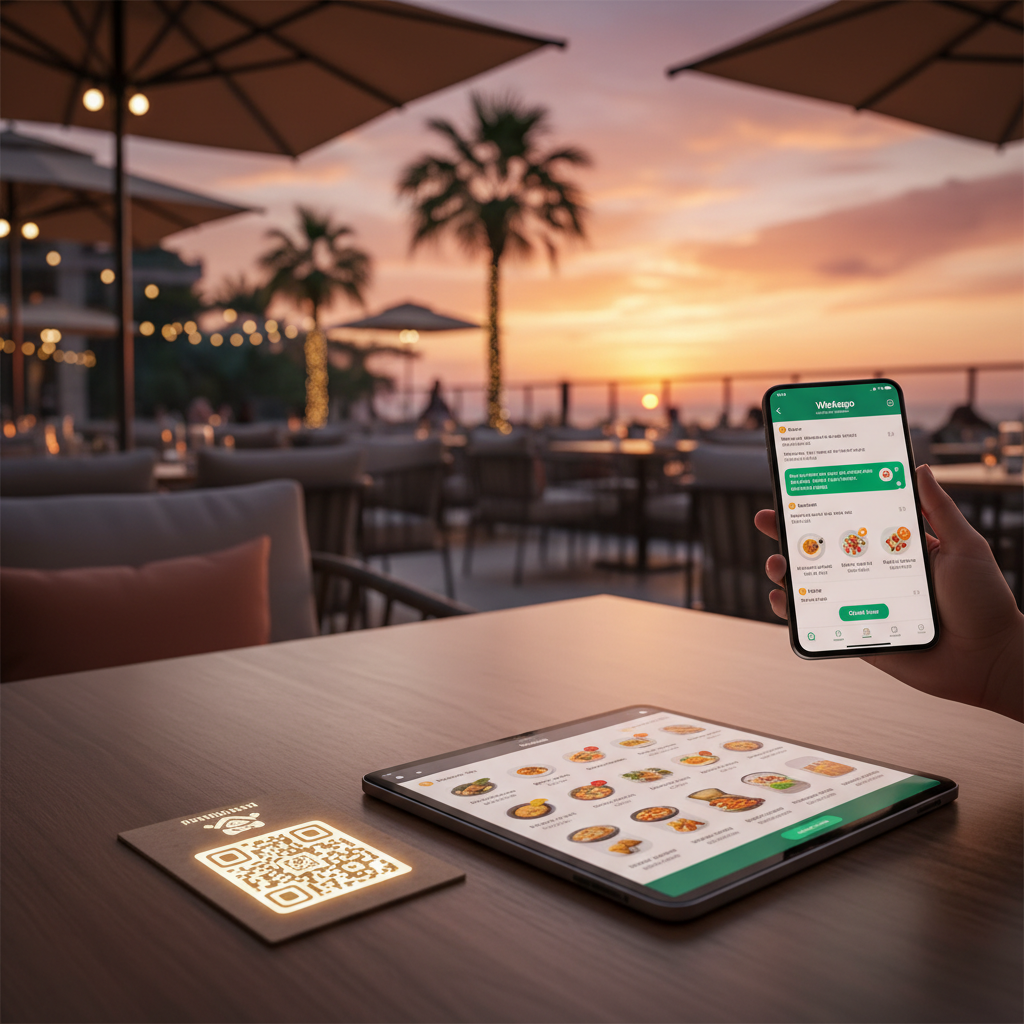
Why Every Restaurant Needs a QR Code Menu in 2026
Paper menus are expensive, unhygienic, and impossible to update quickly. A free QR code menu lets your customers scan a code with their phone and instantly see your full menu -- no app download, no website needed.
In this guide, we will show you how to create a QR code menu for your restaurant in under 5 minutes, compare the best free tools, and explain why linking your QR code to a WhatsApp ordering system can 3x your takeaway orders.
What Is a QR Code Menu?
A QR code menu is a digital version of your restaurant menu that customers access by scanning a QR code with their smartphone camera. Instead of handing out physical menus, you print one QR code and place it on every table, window, or flyer.
Benefits over paper menus:
| Feature | Paper Menu | QR Code Menu |
|---|---|---|
| Update prices | Reprint everything | Change instantly |
| Cost | $200-500/year printing | Free |
| Hygiene | Touched by hundreds | Contactless |
| Photos | Expensive to print | Unlimited, free |
| Ordering | Waiter takes order | Customer orders directly |
| Analytics | None | Track popular items |
How to Create a Free QR Code Menu (5 Steps)
Step 1: Choose Your Platform
You need a platform that hosts your menu online. The best option is one that also handles ordering -- not just displaying a menu.
Pick one that gives you a hosted menu page with a cart, not just a QR image generator. The comparison table below covers the main free options.
Step 2: Add Your Menu Items
Upload your products with:
- Name and description
- Price (supports multiple currencies)
- Photo (customers are 65% more likely to order items with photos)
- Categories (e.g., Starters, Mains, Drinks, Desserts)
Step 3: Set Your WhatsApp Number
Connect your WhatsApp Business number so orders go directly to your phone. No app to install, no tablet to buy.
Step 4: Generate Your QR Code
Once your menu page is live, use your platform's share or QR option to generate a code pointing at its URL. Download it as a high-resolution image -- most tools offer PNG or SVG; SVG prints cleanest at large sizes. If your platform has no QR feature, any free QR generator will encode the menu URL.
Step 5: Print and Display
Print your QR code and place it on:
- Every table (table tent or sticker)
- Front window (for takeaway customers)
- Delivery flyers (repeat orders)
- Social media (Instagram stories, Facebook posts)
- Google Business Profile (as a post or in your description)
6 Free QR Code Menu Tools Compared (2026)
| Tool | Free Plan | Ordering | Updates | |
|---|---|---|---|---|
| Square for Restaurants | Free tier | With POS | No | Instant |
| Instalacarte | Free | Basic | No | Instant |
| Jampos | Free | Menu only | No | Instant |
| DineOpen | Free | Menu only | No | Instant |
| QRCodeChimp | Free | Menu only | No | Instant |
| Canva + TinyURL | Free | No | No | Manual |
What to look for: Most QR menu tools only show a static menu. The ones worth paying attention to turn the scan into an actual order -- customers browse, add to cart, and send the order through to you. That difference is what separates a digital menu from a digital ordering system.
Why WhatsApp-Linked QR Menus Outperform Static PDFs
A static QR code menu is just a digital version of your paper menu. Customers look at it, then still need to call or wave down a waiter to order.
A WhatsApp-linked QR menu changes the game:
- Customer scans the QR code and opens your online store
- Browses the menu with photos and prices
- Adds items to cart and customizes (extra cheese, no onions)
- Sends order via WhatsApp and you get it instantly on your phone
- You confirm and prepare with no miscommunication
This workflow eliminates:
- Misheard phone orders
- Third-party delivery app commissions (15-30%)
- Expensive POS systems
- The need for a website or app
Best Practices for QR Code Menu Placement
- Table tents: Print QR codes on small standing cards for each table
- Window stickers: Catch walk-by customers with a scannable window sticker
- Receipts: Add the QR code to receipts for repeat orders
- Google Business: Add your store link to your Google Business listing
- Social media bios: Link your menu in Instagram and Facebook bios
Frequently Asked Questions
How much does a QR code menu cost?
Most QR code menu generators are free. You only pay for printing the QR code itself (a few cents per sticker).
Can customers order through the QR code menu?
With an ordering-capable tool, yes -- customers scan the QR code, browse your menu, add items to cart, and send the order through WhatsApp. Many QR menu tools only display a static menu, so check this before you choose one.
Do I need a website for a QR code menu?
No. Most menu platforms host your menu page for you on their own domain, so you need no website, domain, or hosting of your own.
How do I update my QR code menu?
You update items in your platform's dashboard and the changes appear instantly. The QR code points at a URL, not at the menu contents, so it stays the same -- no need to reprint.
What if my customer does not have a QR code scanner?
All modern smartphones (iPhone and Android) can scan QR codes using the built-in camera app. No extra app is needed.
Start Today -- It Takes 5 Minutes
Setting up a free QR code menu with ordering functionality is one of the highest-ROI moves a restaurant can make in 2026. No expensive apps, no commissions, no technical skills needed.
Pick a tool from the table above, build your menu, and print the QR code today.
For more tips on growing your restaurant with WhatsApp, check out our guides and success stories.